
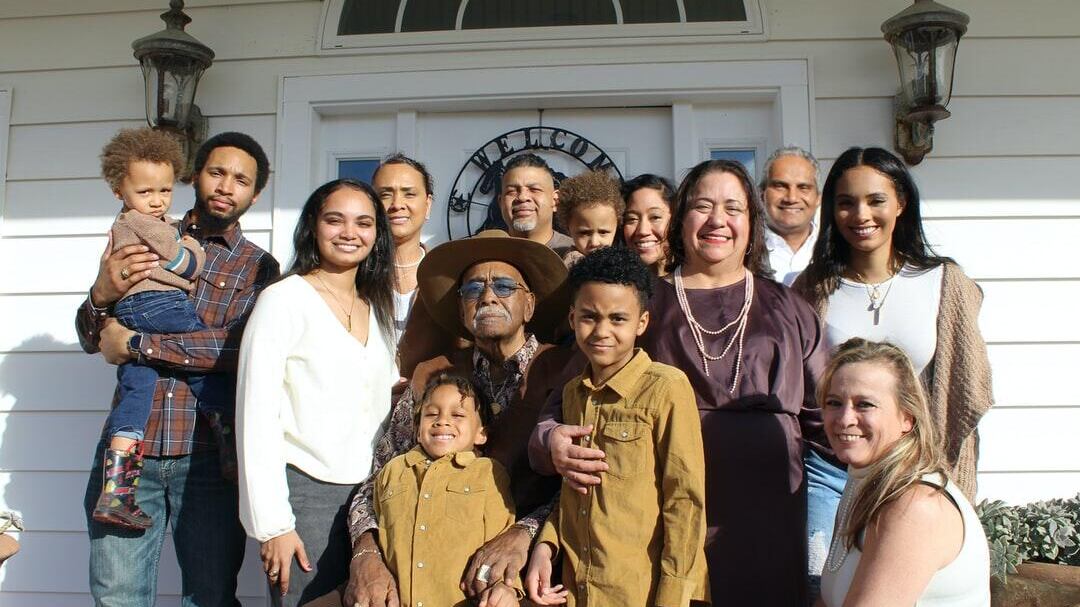
Family photos are treasured for a lifetime, so make them look as good as possible with effective editing. You should organize and select the best shots, make lighting, color, and exposure adjustments, do retouching and detail work, and create a cohesive style.
According to the United States Census Bureau, 28% of 25-34-year-olds in 2024 lived away from their parents and were in the labor force. Your own kids will grow up and do the same one day, so it's important to capture and remember key milestones in their lives.
Taking family photos is a great start, but not all images will be perfect. Key photo editing tips can take these pictures from good to excellent.
Organize and Select the Best Shots
Before you start on family photo enhancement, first go through your images and select the best shots. Whittling down your selection to the ones that are sharp, well-composed, and emotionally meaningful can significantly cut down the work you need to do.
You can streamline your workflow by organizing your files into folders by:
- Event
- Date
- Subject
When editing, pay attention to small details, like facial expressions, eye contact, and lighting. A slightly imperfect photo with genuine emotion is much better than a technically perfect but lifeless one.
What Can You Do With Lighting, Color, and Exposure Adjustments?
There are simple photo editing techniques you can use to make your family photos look professional. Begin with exposure, which ensures that the picture isn't too dark or overly bright. You can then adjust the white balance to correct color temperature.
It can be beneficial to use an image filter from Adobe Express, as it can give you a good starting point. You can then make subtle tweaks to highlights and shadows to create a more balanced image.
Be careful not to over-edit. Utilize tools like clarity and vibrance sparingly to enhance details without making the picture look harsh.
Retouch and Detail Work
Keep one thing in mind when doing digital photo retouching: less is more. It may be tempting to play around with the tools, but remember to focus on gentle enhancements rather than heavy alterations.
You can do the following if needed, but avoid changing defining features:
- Remove temporary blemishes
- Soften minor distractions
- Tidy up backgrounds
Ensure consistency across all faces so no one stands out awkwardly.
How Can You Create a Cohesive Style?
A consistent editing style can tie your photo collection together beautifully. Whatever your style is, apply similar adjustments across all photos. This creates a unified look that feels intentional and professional. It's beneficial to maintain consistency efficiently by using presets or saving your editing settings.
You should also crop and straighten the photos, as well as add a slight vignette to draw attention toward the center.
Have Lovely Family Photos
Family photos are great to have, as they remind you of fond times. Now that you know how to improve photo quality across whole collections, you can have albums that look like they were done by a professional.
Browse our other pages now to find other informative posts.
This article was prepared by an independent contributor and helps us continue to deliver quality news and information.